
Can you fix it yourself?
Many faults can be sorted in a few minutes. The table shows what you can do yourself — and when to stop and call us.
Stop here
Stop and book a technician if the problem means working with electricity or water.
Step by step
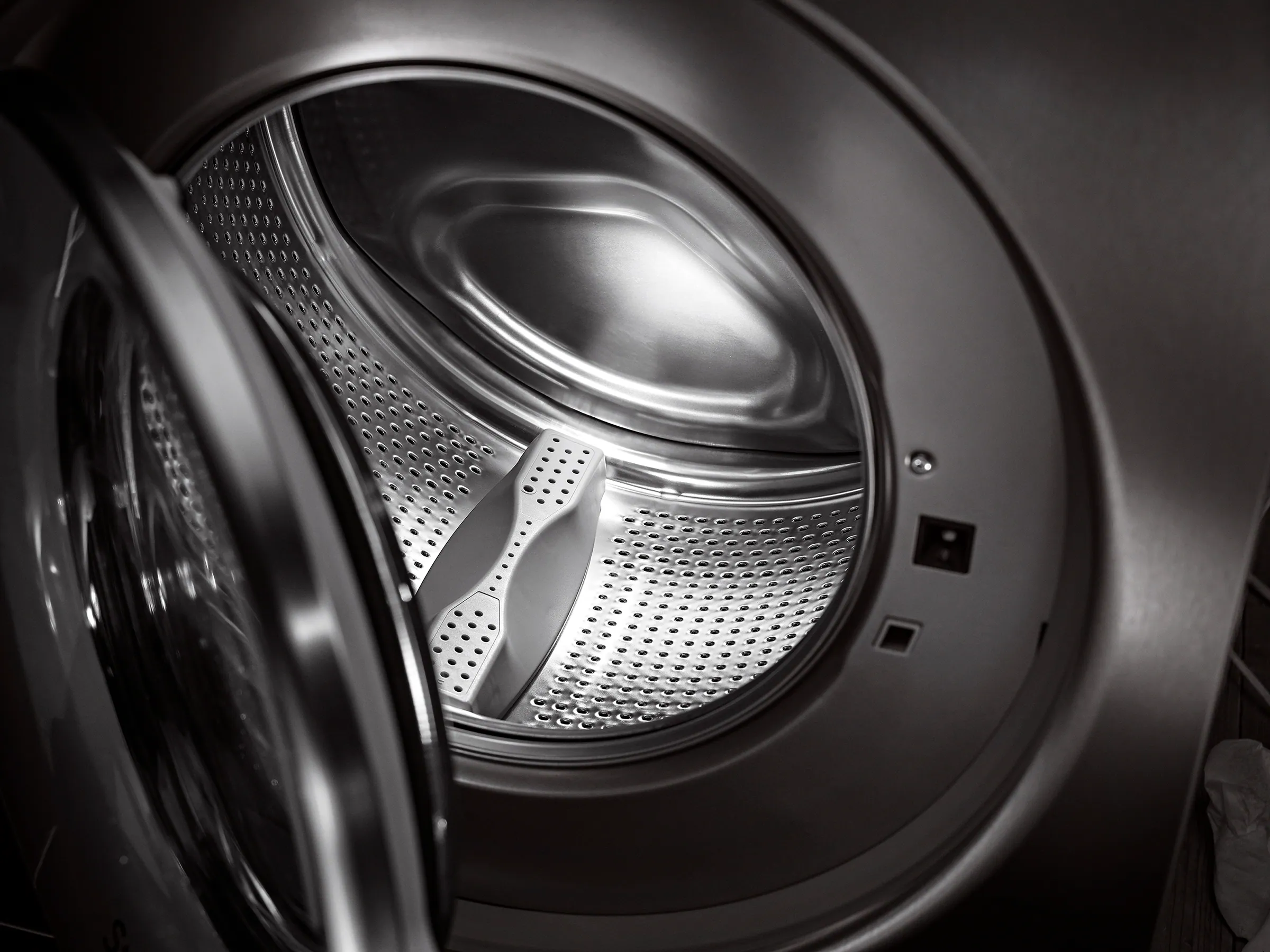
Descaling your washing machine
Avoid bad smells and costly repairs: how to descale and maintain your washing machine so it works properly and lasts for many years.
Look up the error code
Type the code from the display and we’ll tell you what it usually means.
Do you remember to descale your washing machine, dishwasher or kettle?
Regular descaling keeps your machines running at their best and makes them last longer – a small effort that saves money and hassle in the long run.→02Repair your appliances and use your service deduction on your tax return.
Did you know you can get a tax deduction when your appliances are repaired at home? With the service deduction you can deduct the labour cost.→03Induction hob not working? Check this before you call
5 things you can check yourself before booking a technician – and where to find the type and serial number.→04Microwave not working? Check this before you call
5 things you can check yourself before booking a technician – and where to find the type and serial number.→05Fridge or freezer not working? Check this before you call
6 things you can check yourself before booking a technician – and where to find the type and serial number.→06Cooker hood not working? Check this before you call
5 things you can check yourself before booking a technician – and where to find the type and serial number.→07Oven not working? Check this before you call
5 things you can check yourself before booking a technician – and where to find the type and serial number.→08Cooker not working? Check this before you call
4 things you can check yourself before booking a technician – and where to find the type and serial number.→09Dishwasher not working? Check this before you call
6 things you can check yourself before booking a technician – and where to find the type and serial number.→10Washing machine not working? Check this before you call
6 things you can check yourself before booking a technician – and where to find the type and serial number.→11Tumble dryer not working? Check this before you call
6 things you can check yourself before booking a technician – and where to find the type and serial number.→How to get ready
Frequently asked questions
How quickly can you come?
Our technicians are on the road all the time, and often we already have a technician in your area. You choose the time yourself when you book online.
What does a technician visit cost?
The standard visit costs DKK 1,195 incl. VAT and 20 minutes of repair work. Extra time is charged per quarter of an hour, and spare parts are charged separately.
Do you repair all brands?
We repair most brands and models — including lesser-known ones. If you’re unsure, call before you book.
Should I contact the shop first if the product is under warranty?
No. We are an authorised service workshop for a wide range of Danish retailers, so you can book directly with us and we handle the claim.
Do you give a warranty on the repair?
Yes, a 2-year warranty on the work carried out and the spare parts we fitted, for private customers.
